
opencode
エージェント・モデル・権限のすべてを設定として宣言する、ターミナル型コーディングエージェント
opencodeとは
特徴は、何もかもが埋め込みではなく宣言である点です。名前付きのエージェントをJSONかMarkdownで定義し、それぞれに使うモデルと、ツールごとの権限を与えます。読み取り・編集・コマンド実行のそれぞれについて、許可・確認・拒否のいずれかを選べます。切り替えはキー1つです。標準でも、全権限を持つものと、編集や実行の前に必ず確認するものの2種類が同じ仕組みで用意されています。MITでプロバイダにも依存しませんが、変化が速いうえ最近リポジトリの所有者が変わったため、古いリンクや固定したバージョンはすぐ古びます。
opencodeで何ができますか?
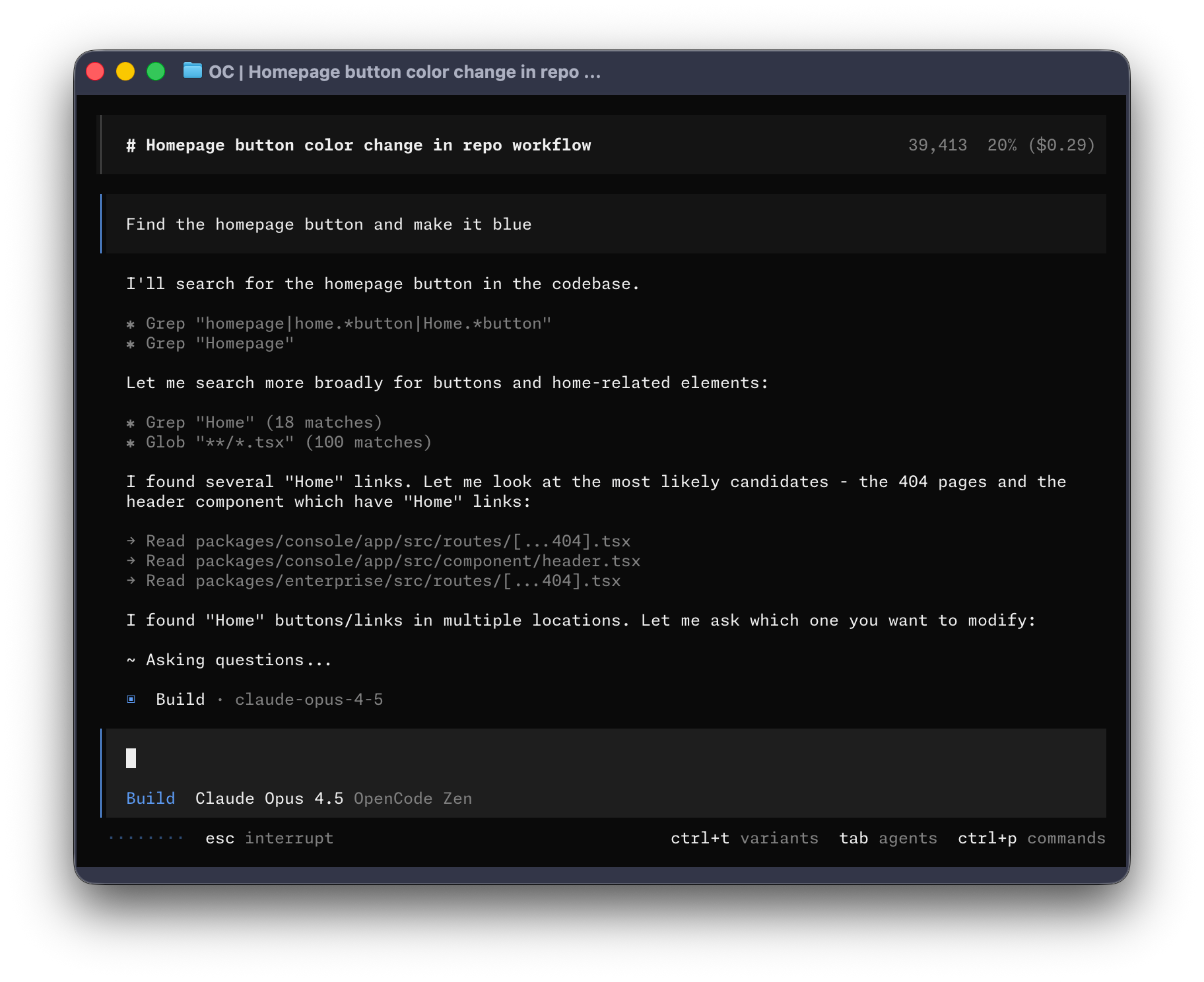
- 触る前に計画させる — 標準のplanエージェントは、編集とシェル実行の権限を「許可」ではなく「確認」に設定した同じエージェントです。まず進め方を詰め、納得できたらTabキーでbuildエージェントに切り替えます。
- Markdownファイル1つでエージェントを定義する — 説明文と、主エージェントかサブエージェントかを書いた短い先頭ブロックに、システムプロンプトを添えれば定義は完成です。全体設定として置くことも、プロジェクトに一緒にコミットすることもできます。
- ツール単位・エージェント単位で権限を決める — 読み取り、編集、コマンド実行、検索のそれぞれに、許可・確認・拒否を個別に指定できます。レビュー用エージェントを「書かないよう指示する」のではなく「構造的に書けなくする」のがこの仕組みです。
- 限定的な仕事はサブエージェントに渡す — サブエージェントはセッション中にメンションで呼び出します。コードベース検索専用の読み取り専用のもの、外部ドキュメントや依存関係を調べるものがあり、それぞれ別のモデルを割り当てられます。
- 人間と同じコード情報を与える — 言語サーバーが型・定義・診断をエージェントに供給し、MCPサーバーが外部ツールを足します。プロジェクトの見え方が、ファイルをテキストとして読むだけに留まりません。
opencodeを選ぶ前に
- リポジトリの所有者が変わり、別の組織の下に移りました。以前の場所を指すリンク、フォーク、記事はまだ多く、正しいというよりリダイレクトで辿り着いている状態です。
- リリース間隔が短く、設定項目もバージョン間で移動しています。記事から写した設定が古くなっている可能性は、更新の遅いエージェントより高くなります。
スター推移
8月21日〜8月28日 · +2.3k
よくある質問
opencodeは商用利用できますか?
opencodeはMITライセンスで公開されています。OSI承認のオープンソースライセンスで、商用利用が認められています。
opencodeはどの形で使えますか?
opencodeはローカル実行の形で利用できます。
ドキュメント
anomalyco/opencode のREADMEより転載(MIT)。 原文を読む ↗
Installation
# YOLO
curl -fsSL https://opencode.ai/install | bash

# Package managers
npm i -g opencode-ai@latest        # or bun/pnpm/yarn
scoop install opencode             # Windows
choco install opencode             # Windows
brew install anomalyco/tap/opencode # macOS and Linux (recommended, always up to date)
brew install opencode              # macOS and Linux (official brew formula, updated less)
sudo pacman -S opencode            # Arch Linux (Stable)
paru -S opencode-bin               # Arch Linux (Latest from AUR)
mise use -g opencode               # Any OS
nix run nixpkgs#opencode           # or github:anomalyco/opencode for latest dev branch
[!TIP] Remove versions older than 0.1.x before installing.
Desktop App (BETA)
OpenCode is also available as a desktop application. Download directly from the releases page or opencode.ai/download.
| Platform | Download |
|---|---|
| macOS (Apple Silicon) | opencode-desktop-mac-arm64.dmg |
| macOS (Intel) | opencode-desktop-mac-x64.dmg |
| Windows | opencode-desktop-windows-x64.exe |
| Linux | .deb, .rpm, or .AppImage |
# macOS (Homebrew)
brew install --cask opencode-desktop
# Windows (Scoop)
scoop bucket add extras; scoop install extras/opencode-desktop
Installation Directory
The install script respects the following priority order for the installation path:
$OPENCODE_INSTALL_DIR- Custom installation directory$XDG_BIN_DIR- XDG Base Directory Specification compliant path$HOME/bin- Standard user binary directory (if it exists or can be created)$HOME/.opencode/bin- Default fallback
# Examples
OPENCODE_INSTALL_DIR=/usr/local/bin curl -fsSL https://opencode.ai/install | bash
XDG_BIN_DIR=$HOME/.local/bin curl -fsSL https://opencode.ai/install | bash
Agents
OpenCode includes two built-in agents you can switch between with the Tab key.
- build - Default, full-access agent for development work
- plan - Read-only agent for analysis and code exploration
- Denies file edits by default
- Asks permission before running bash commands
- Ideal for exploring unfamiliar codebases or planning changes
Also included is a general subagent for complex searches and multistep tasks.
This is used internally and can be invoked using @general in messages.
Learn more about agents.
Documentation
For more info on how to configure OpenCode, head over to our docs.
Building on OpenCode
If you are working on a project that’s related to OpenCode and is using “opencode” as part of its name, for example “opencode-dashboard” or “opencode-mobile”, please add a note to your README to clarify that it is not built by the OpenCode team and is not affiliated with us in any way.
コーディングエージェントの他の選択肢
 Codex CLIコーディングエージェント
リポジトリを読み、変更を提案し、コマンドを実行するという動き自体は他のターミナル型と同じですが、境界の引き方が特徴的です。macOSとLinuxではOSのサンドボックス機構を使い、触れるファイルと実行できるコマンドを制限します。制限がモデルの善意に依存しない、という点が違います。サインインはChatGPTのプランかOpenAIのAPIキーを経由します。コードはApache-2.0でも、背後のモデルは開かれた部分ではない、というのが取引条件です。
 Ponytailコーディングエージェント
日付の入力欄を頼んだだけで、依存パッケージが入り、ラッパーのコンポーネントができ、スタイルシートが増え、タイムゾーンの議論が始まることがあります。ブラウザには何年も前から専用の入力欄があるのにです。Ponytailはその癖に狙いを定めた1つのスキルで、動く範囲で最も小さい実装へ、そして環境が既に備えているものは書かない方向へエージェントを押します。冗談で終わらないのは、開発元が実際に測っている点です。実在のリポジトリで12件の作業を、スキルの有無で比較し、数値と一緒に測定方法も公開しています。以前のより見栄えのする数値は平均ではなく最良の場合だった、という訂正まで書かれています。
 gemini-cliコーディングエージェント
ターミナルの1つのプロンプトから、リポジトリを読み、ファイルを編集し、シェルコマンドを実行し、Google検索で最新の情報を確かめるところまでを任せられます。書き込みを禁じたプランモードで下調べと計画を先に済ませ、TOML形式のポリシーでどのツールを許すかを事前に決め、拡張機能でMCPサーバーやスキル、フックをまとめて配れます。ただし接続先はGeminiモデルに限られるため、モデルの乗り換えやオフラインでの利用を前提にするなら向きません。さらに2026年6月18日以降は個人アカウントでのGoogleログインが使えなくなり、APIキー、Vertex AI、Code AssistのStandardまたはEnterpriseライセンスのいずれかを用意する必要があります。